DocsBolt

Generate a document with AI

What do you want to create?

Generate PowerPoint with AI

Create an editable .pptx presentation from a topic, your notes, or an existing document. Slides get real titles and text boxes you can restyle in PowerPoint, Keynote or Google Slides.

0 / 20,000

Enter your ideas, notes, or any text content to generate structured documents - powered by AI.

Try:
OR UPLOAD A FILE
PDF, DOCX, TXT • Max 5 MB
Quick Tip:You can upload your research paper along with a custom PPT template below to automatically generate a presentation! For the best results, select "Detailed (~25-35)" in the slides filter above.
OR UPLOAD YOUR OWN
Optional
  • Editable .pptx
  • No account needed
  • Usually 30–90 seconds
  • Deleted after 30 minutes

Real output, not mock-ups

Files made with DocsBolt

Each file below was generated from the prompt shown, with the template and settings listed, and was not edited afterwards. Download one and open it in PowerPoint, Google Slides or Word.

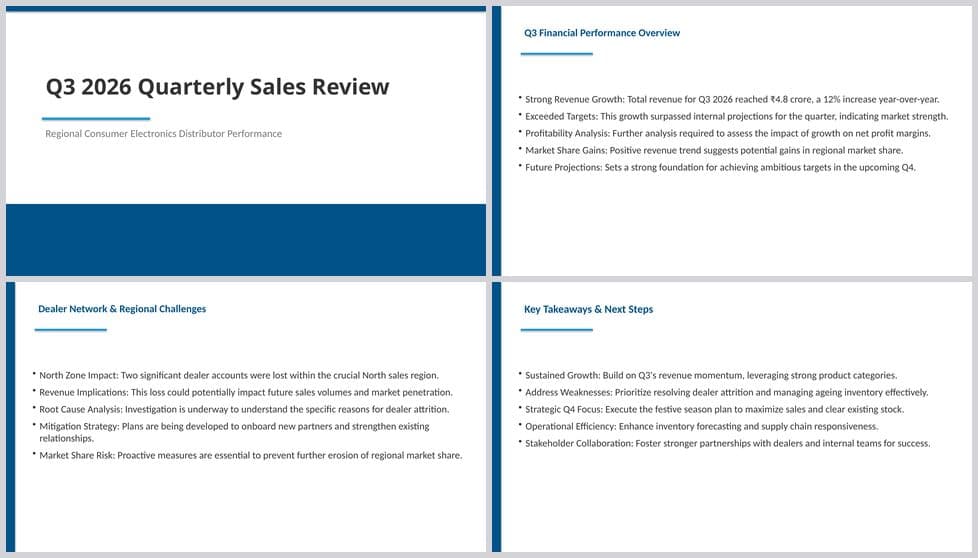
Quarterly sales review: preview of four slides of the generated file

Quarterly sales review

.pptx · 10 slides · template: Corporate Blue · purpose: Business Report · audience: Managers

Prompt used
Quarterly sales review for a regional consumer-electronics distributor, Q3 2026: revenue up 12% to ₹4.8 crore, strongest growth in wearables, two dealers lost in the north zone, inventory ageing on older TVs, and a plan for Q4 festive season.
Download .pptx (42 KB)
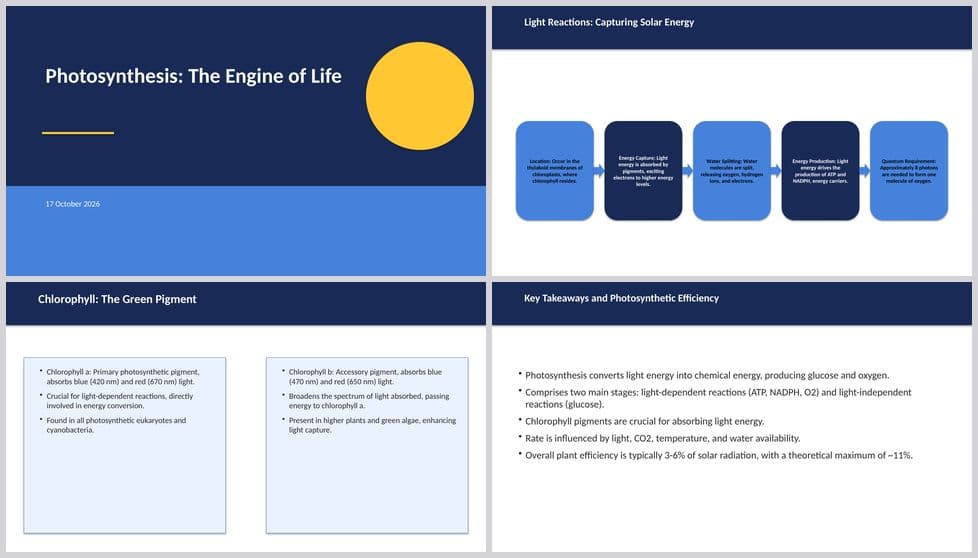
Biology lecture: preview of four slides of the generated file

Biology lecture

.pptx · 9 slides · template: Education · purpose: Lecture · audience: Students

Prompt used
Lecture on photosynthesis for first-year biology students: light and dark reactions, the role of chlorophyll, factors that affect the rate, a simple experiment with pondweed, and a summary slide.
Download .pptx (40 KB)
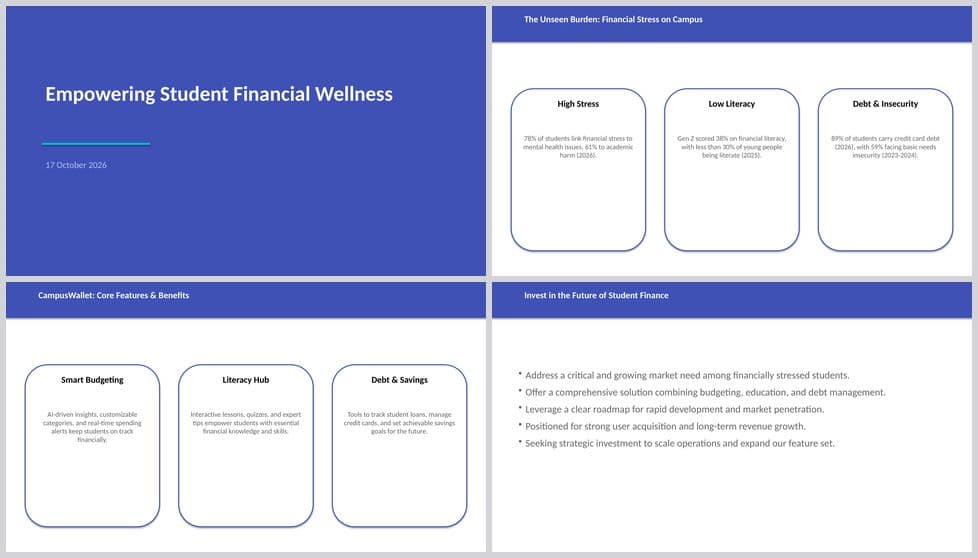
Startup pitch with roadmap: preview of four slides of the generated file

Startup pitch with roadmap

.pptx · 9 slides · template: Timeline & Roadmap · purpose: Pitch · audience: Investors

Prompt used
Launch plan for a budgeting app for college students: the problem with student spending, the solution, four-quarter roadmap from research to public launch, key risks and how we handle them.
Download .pptx (41 KB)
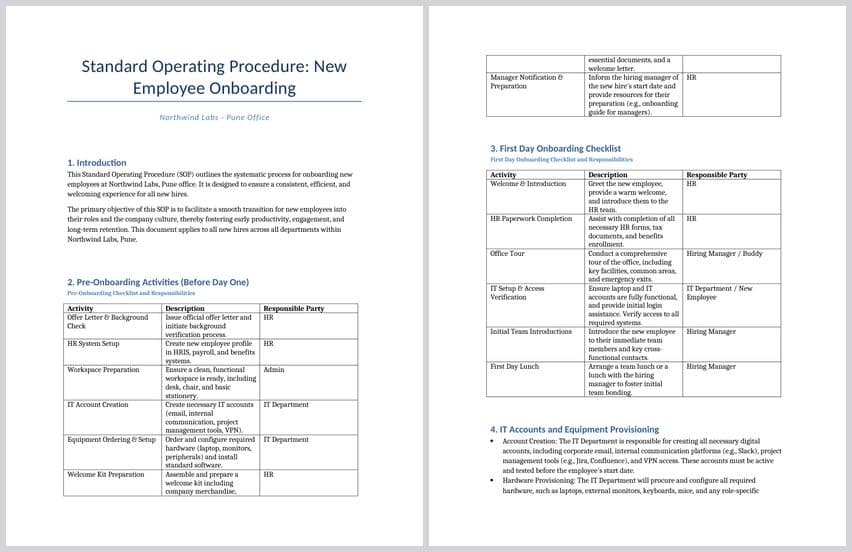
Onboarding SOP (Word): preview of the first two pages of the generated file

Onboarding SOP (Word)

.docx · 3 pages · template: Default · purpose: Standard Operating Procedure · audience: HR team

Prompt used
Standard operating procedure for onboarding a new employee at Northwind Labs, a 50-person software company in Pune: before day one, first day checklist, IT accounts and equipment, first week training, 30-60-90 day check-ins, and who is responsible for each step.
Download .docx (41 KB)

What each generator makes

Free AI PowerPoint generator Editable .pptx

DocsBolt's AI PowerPoint generator makes a PPT from AI in the file format PowerPoint itself uses. Type a topic or paste notes, choose a slide count and a theme (or upload your own .pptx template), and the generator writes an outline, then compiles it into a native .pptx: title slide, section slides, bullet slides with editable text boxes, optional images, and speaker-ready structure. Because the result is OpenXML rather than a web page, you open it in PowerPoint, Keynote or Google Slides and keep editing — change the theme, move a box, add a chart.

It is free, needs no account and has no watermark. A ten- to fifteen-slide deck typically takes 30–90 seconds. The generator is designed for the decks people actually have to make — class presentations, project updates, board packs, pitch decks, training modules — and it reads a PDF, Word or text file you attach so the slides come from your material, not a generic template.

AI Word document generator Editable .docx

The AI Word document generator turns a brief, a topic or raw notes into a .docx with real Word heading styles, paragraphs, bullet lists and tables. Reports, essays, standard operating procedures, cover letters, meeting minutes and study notes come out with the structure Word expects, so the navigation pane, table of contents and your own style set all work immediately. Upload your company's .docx template and the text is written into its styles.

Tone, audience, purpose and content type are controls, not guesses: a report leads with a summary and sections, an essay flows as prose. Generation takes about a minute and the document is yours to edit, share and reuse without any restriction.

AI Excel spreadsheet generator Editable .xlsx

Describe what a workbook should track — a budget, an inventory, a gradebook, a cash-flow projection, a project plan — and the AI Excel generator builds a .xlsx with a header row, sensible columns and typed cells. Numbers are numbers and dates are dates, so sorting, filtering and formulas behave in Excel, Google Sheets and LibreOffice. Paste raw rows of data and describe how to organise them, and the sheet is built around that data.

There is no template or tone control for spreadsheets; structure comes from your description. Multiple related sheets can be created in one workbook. Free, no sign-up, and the file is a real spreadsheet, not a CSV in disguise.

AI PDF generator Finished .pdf

The AI PDF generator produces a finished, fixed-layout document from instructions or pasted content — a one-page summary, a study guide, a product sheet, a handout — with headings, paragraphs and tables laid out for sharing and printing. The text is real, selectable PDF text, so the file is searchable and accessible. Optionally upload a PDF to use as letterhead behind the generated pages.

Choose PDF when nothing should move after you send it; choose Word when the recipient will keep editing. Both come from the same pipeline, so you can generate the Word version first, edit, and convert it with the Word to PDF tool.
Controls by format

PowerPoint
Language, Purpose, Audience, Tone, Slide count (3–40), Include images · own template · source file: PDF/DOCX/TXT
Word
Language, Purpose, Audience, Tone, Content type · own template · no source file
Excel
Prompt only · no template · no source file
PDF
Language, Purpose, Audience, Tone, Content type · own template · no source file